

Channels are designed for open, structured discussions with a group of people. Instead of one-on-one chats, channels bring everyone relevant into a shared space so communication stays transparent, searchable, and organized.
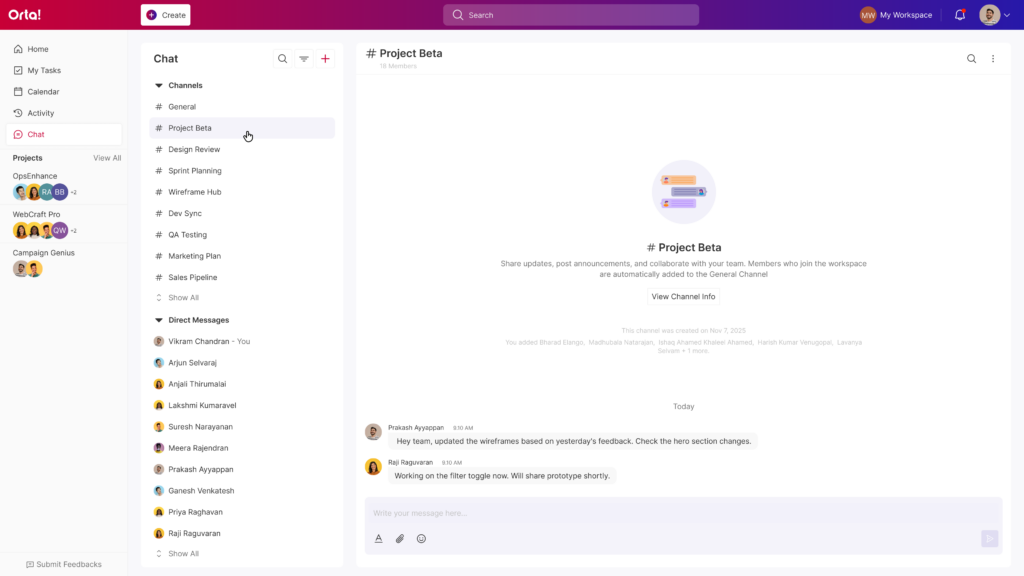
Use Channels when you need to:
- Collaborate with a team or group.
- Discuss ongoing work, features, or projects.
- Share updates that multiple people should see.
- Keep conversations visible and aligned across the team.
- Avoid repeating the same information to different people.
Every workspace also comes with a General channel by default.
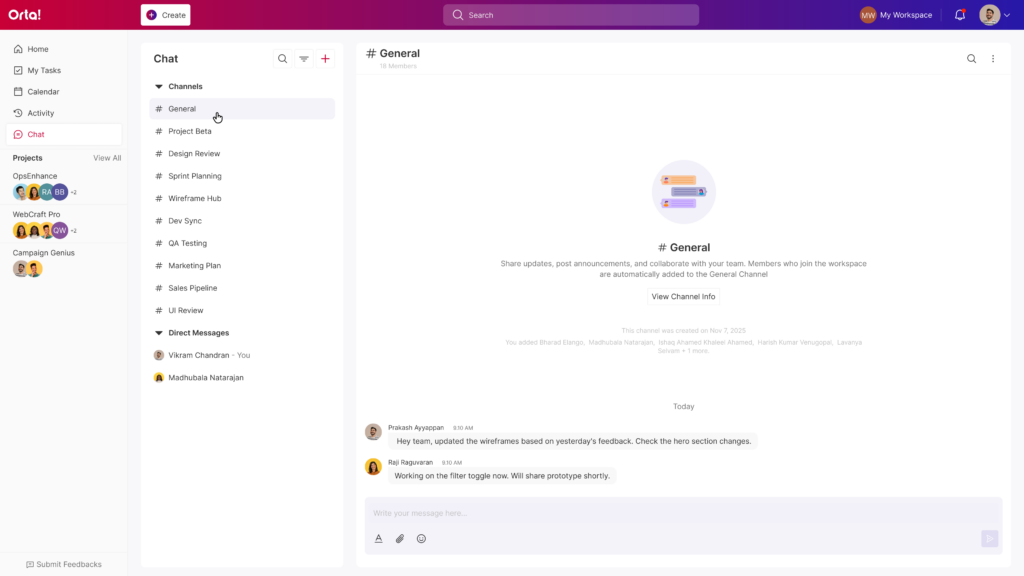
- This channel is automatically created when the workspace is set up.
- All members are typically part of it.
- It’s best used for company-wide or workspace-level announcements.
- Important updates, guidelines, or shared information usually live here.
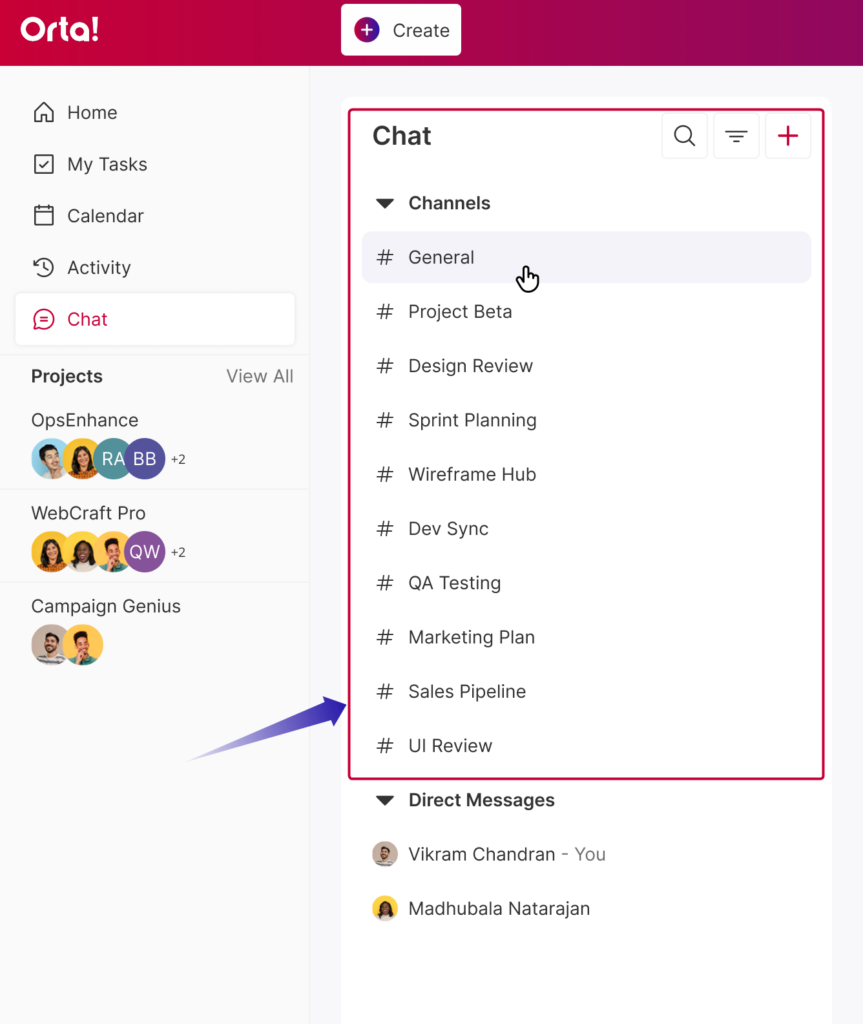
All your channels appear in the Channels tab in the Chat sidebar, where you can easily switch between conversations and stay connected with your teams.
Inside a Channel, you can:
- Send, edit, and delete messages.
- Mention individuals or the entire group.
- React with emojis.
- Reply in threads to keep discussions organized.
- Share files and important updates.
- Mute or customize notifications.
- Add or remove members when needed.
So yes, it’s basically everything you need for team collaboration, keeping conversations open, organized, and accessible to everyone who needs them.