

When you open Chat from the Navigation bar, the chat workspace appears. This is where you’ll view conversations, read messages, and talk with your team.
The chat workspace has two main areas: the Chat sidebar and the Conversation panel.
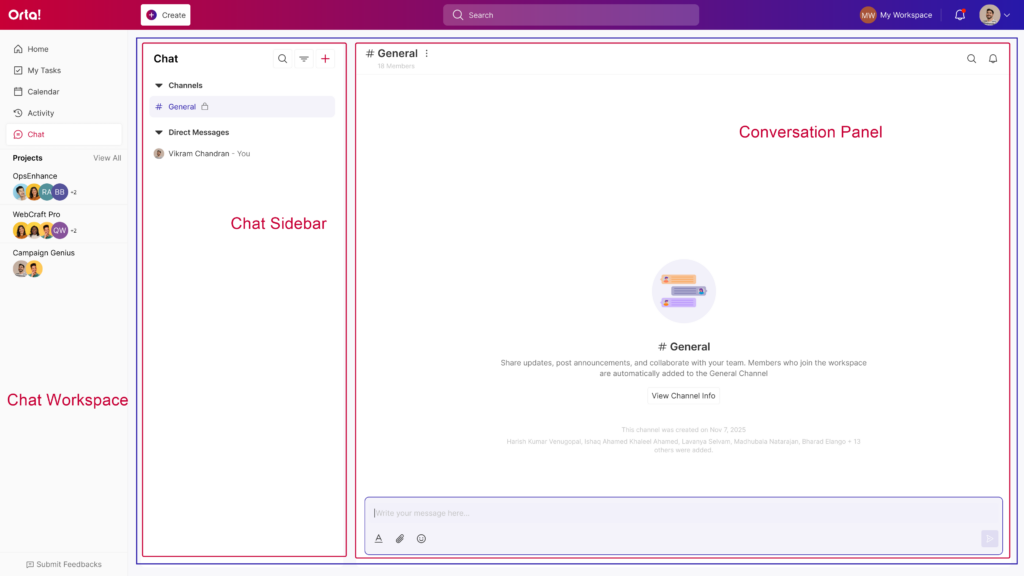
Think of it like this: the sidebar helps you find conversations, and the conversation panel is where the actual talking happens.
The Chat interface is designed to keep conversations easy to find and follow, so you can jump into discussions without digging through menus. Now, let’s begin with Chat sidebar.